
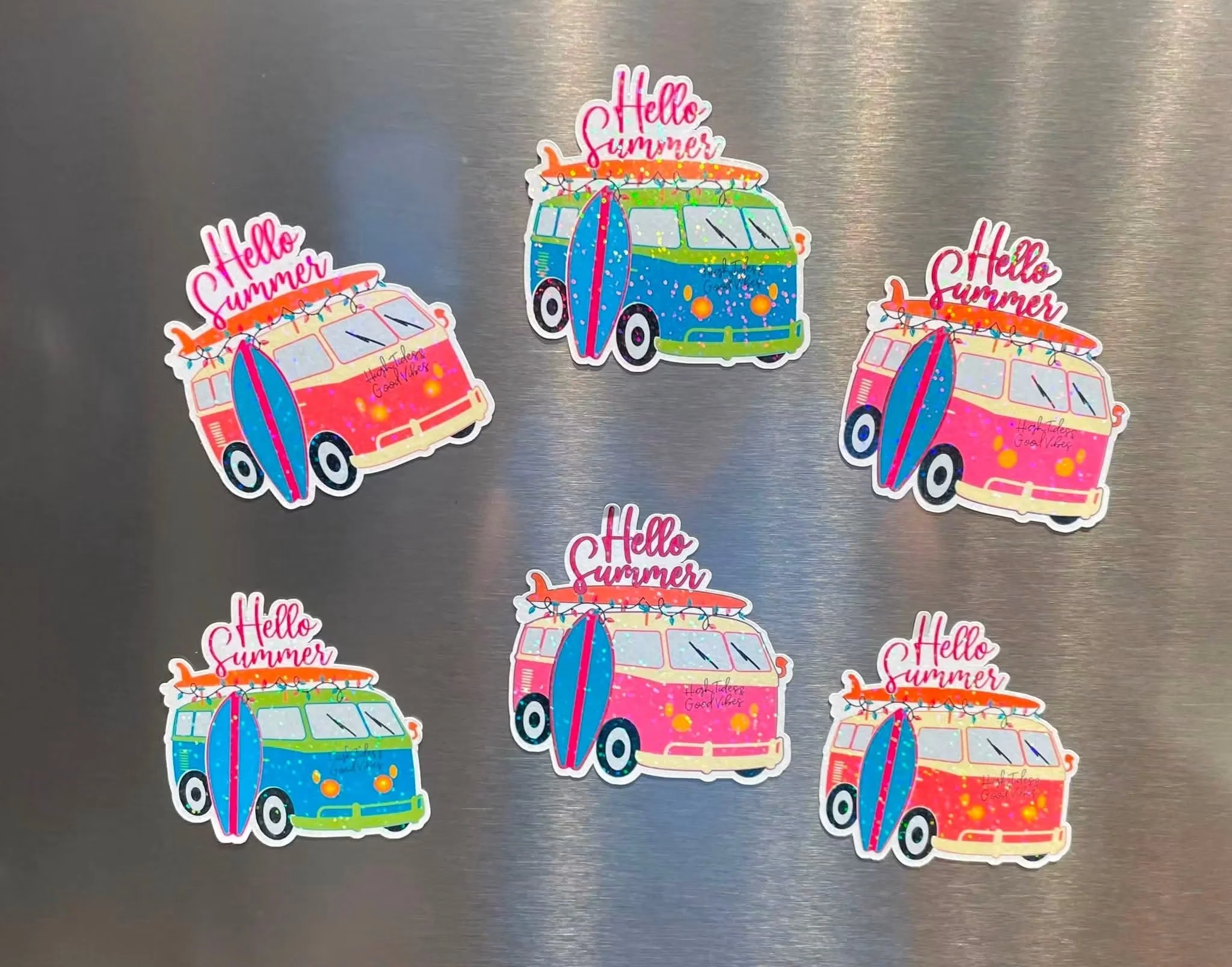
Learn the most powerful features of your Cricut machine: Print Then Cut!
Unlock one of the most powerful features of your Cricut machine in this hands-on class focused on Print Then Cut. This technique allows you to print full-color designs at home and then use your Cricut to precisely cut them into stickers, labels, tags, decals, and more.
In this class, you’ll learn how to confidently move from design to finished project using Cricut Design Space and your home printer. We’ll cover everything from setting up your files correctly to calibrating your machine for accurate cuts, so you can avoid common frustrations and achieve clean, professional results.
You will learn how to:
• Set up and understand the Print Then Cut feature in Cricut Design Space
• Upload and prepare images, stickers, and designs for printing
• Use Flatten, Attach, and Offset tools for clean results
• Choose the right materials like sticker paper and printable vinyl
• Print correctly using your home printer and proper settings
• Calibrate your Cricut for accurate cutting
• Troubleshoot common Print Then Cut issues
By the end of this class, you’ll be able to confidently create custom sticker sheets, planner stickers, labels, party décor, and personalized crafts with a polished, professional finish.
Perfect for beginners or Cricut users ready to expand their skills beyond basic cutting!
Each Student Must Bring: Their own Cricut Machine and whatever device they use to run their Cricut Design Space software (laptop/ipad/iphone).
*Age 16+, under 18 must be accompanied by an adult.